HMRC Recognised - MTD Bridging Software

File VAT Returns
Free & Easy

Need a ready-made template? Download one to get started
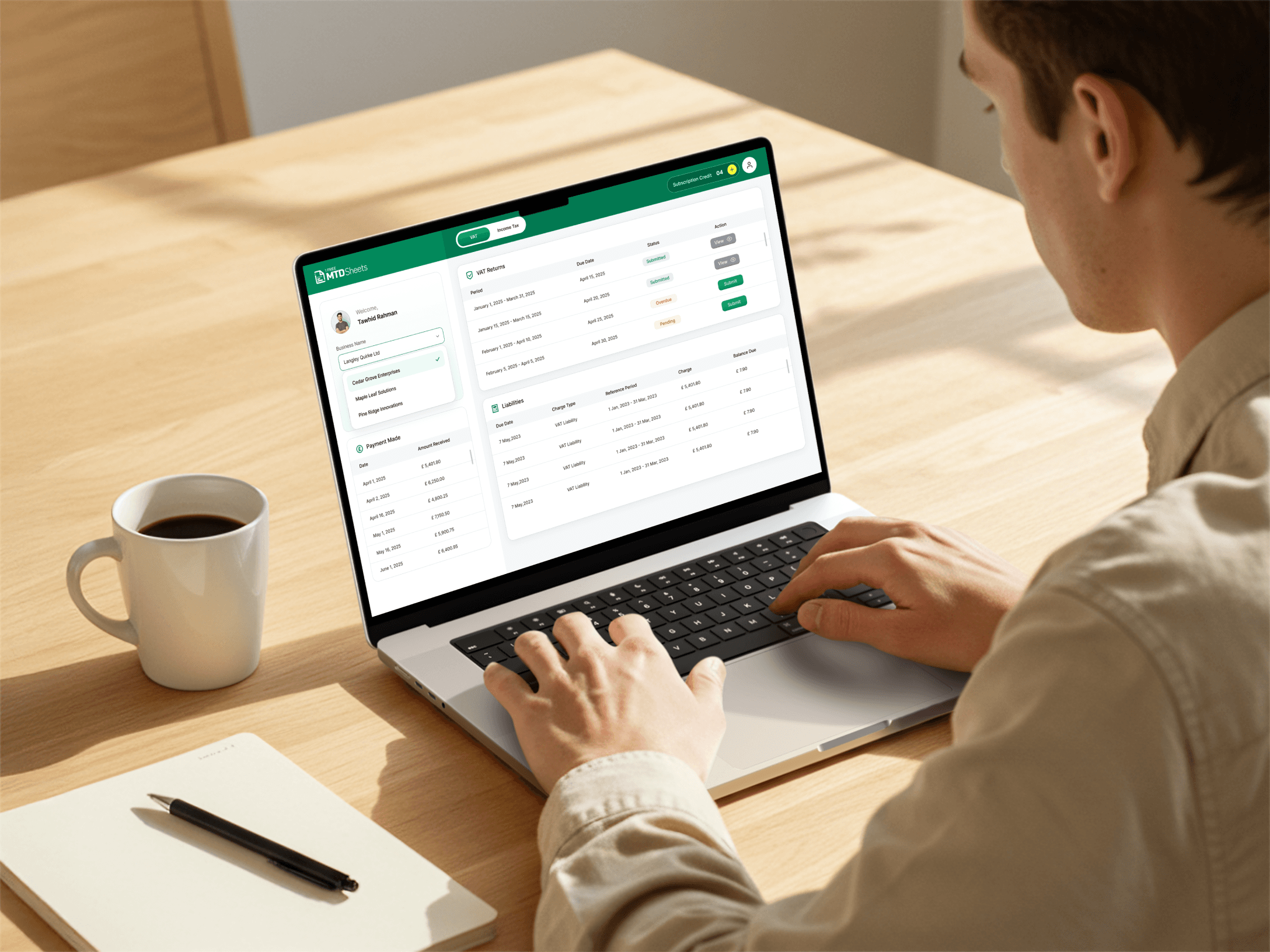
Person using a laptop showing the MTD Sheets dashboard with VAT Returns and liabilities

How It Works

Upload your spreadsheet and submit your VAT Return directly to HMRC—with or without creating an account.

Upload your VAT spreadsheet using our drag-and-drop tool. No spreadsheet? Download one of our free MTD-compliant templates.
Enter your VAT Registration Number to retrieve your business details. Confirm the details before continuing.
Sign in to HMRC and authorise MTD Sheets. You will be redirected to HMRC’s secure login page.
Choose the VAT period you want to submit. Available periods are pulled directly from HMRC.
Your VAT box totals are read from your file. Review and confirm the figures before proceeding.
Pay £2.99 to complete your submission. Once paid, your VAT Return is sent directly to HMRC and you will receive a confirmation email.

Your First VAT Filing Is Free

After that, each VAT return uses 1 credit.

Credits cost £2.99 each, or as little as £0.49 when bought in bulk.

Total Price

£2.99

Total Credits

1

Unit Price

£2.99

Need more than 100 credits?

Works With Your Own Spreadsheet

Upload your spreadsheet or a VAT report—or use our template for the quickest setup.

Why Choose MTD Sheets

Simple, affordable MTD bridging software built around your needs.

Quick & Easy

Upload your spreadsheet, review your figures and submit to HMRC.

Affordable Pricing

First submission free. Then £2.99, or as little as 49p in bulk.

Real Human Support

Email us and get support from a real person—not just a chatbot.

We Value Your Privacy

We never sell your personal data to third parties.

No-Quibble Refunds

If MTD Sheets isn’t right for you, requesting a refund is simple.

Ready-Made Templates

Use our free templates for the quickest way to get started.

What Our Users Say

Join hundreds of businesses and accountants already using MTD Sheets.

Our Latest Blog

Helpful guides on Making Tax Digital, spreadsheets, VAT, Income Tax and HMRC submissions.

See More

New to Making Tax Digital (MTD)?

We've made it simple.

No complicated tools or confusing software.

Just upload your spreadsheet and submit your VAT return with ease.

Your Questions, Answered

Quick answers to help you file with confidence and stay compliant with HMRC’s Making Tax Digital rules.

Making Tax Digital for VAT is HMRC’s system for digital VAT reporting. Most VAT-registered businesses must keep VAT records digitally and submit VAT Returns to HMRC using compatible software.
Most VAT-registered businesses need to use MTD for VAT, unless HMRC has accepted that they are exempt. The VAT registration threshold is currently more than £90,000 of taxable turnover, so businesses above the threshold may need to register for VAT and submit VAT Returns digitally.
Yes. You can submit a VAT Return from Excel if you use HMRC-compatible VAT bridging software. MTD Sheets lets you upload your spreadsheet, review the VAT Return figures, connect securely to HMRC and submit your VAT Return digitally.
Yes. MTD for VAT does not mean you must stop using spreadsheets. You can continue using Excel, CSV, ODS or Apple Numbers files, provided your VAT records are kept digitally and your VAT Return is submitted through compatible software.
VAT bridging software connects your spreadsheet to HMRC. It takes the VAT Return figures from your digital records and submits them through the Making Tax Digital system, without requiring you to move everything into full bookkeeping software.
Yes. MTD Sheets is HMRC-recognised VAT bridging software. It is designed for businesses and accountants who want a simple way to submit VAT Returns from spreadsheets.
No. You do not necessarily need full bookkeeping software for MTD VAT. If you already keep your VAT records in a spreadsheet, bridging software such as MTD Sheets can be a simpler and lower-cost way to submit your VAT Return to HMRC.
MTD Sheets works in a simple step-by-step process: upload your spreadsheet, map the nine VAT Return boxes, connect to HMRC, choose the VAT period, review your figures and submit your VAT Return securely.
A UK VAT Return includes nine boxes. These cover VAT due on sales, VAT reclaimed on purchases, net VAT payable or repayable, total sales, total purchases, and relevant acquisition or dispatch figures where applicable.
No. HMRC normally receives the VAT Return figures submitted through the MTD system, not your entire spreadsheet. You should still keep proper digital VAT records in case HMRC asks to review them.
Yes. Accountants can use MTD Sheets to submit VAT Returns for clients who keep records in spreadsheets. It is useful for firms that want to support spreadsheet-based clients without forcing them onto complex bookkeeping software.
MTD Sheets offers a free first VAT submission for new users. After that, users can buy credits, with bulk pricing available for businesses and accountants who need to make multiple VAT submissions.

Get in Touch